Stop retyping. The client's answers fill the IRCC forms.
When a client submits their info form, ImmPort prefills the supported IRCC forms and saves them, with the info form in PDF and Word, to their OneDrive folder. Your team reviews, finalises and submits.
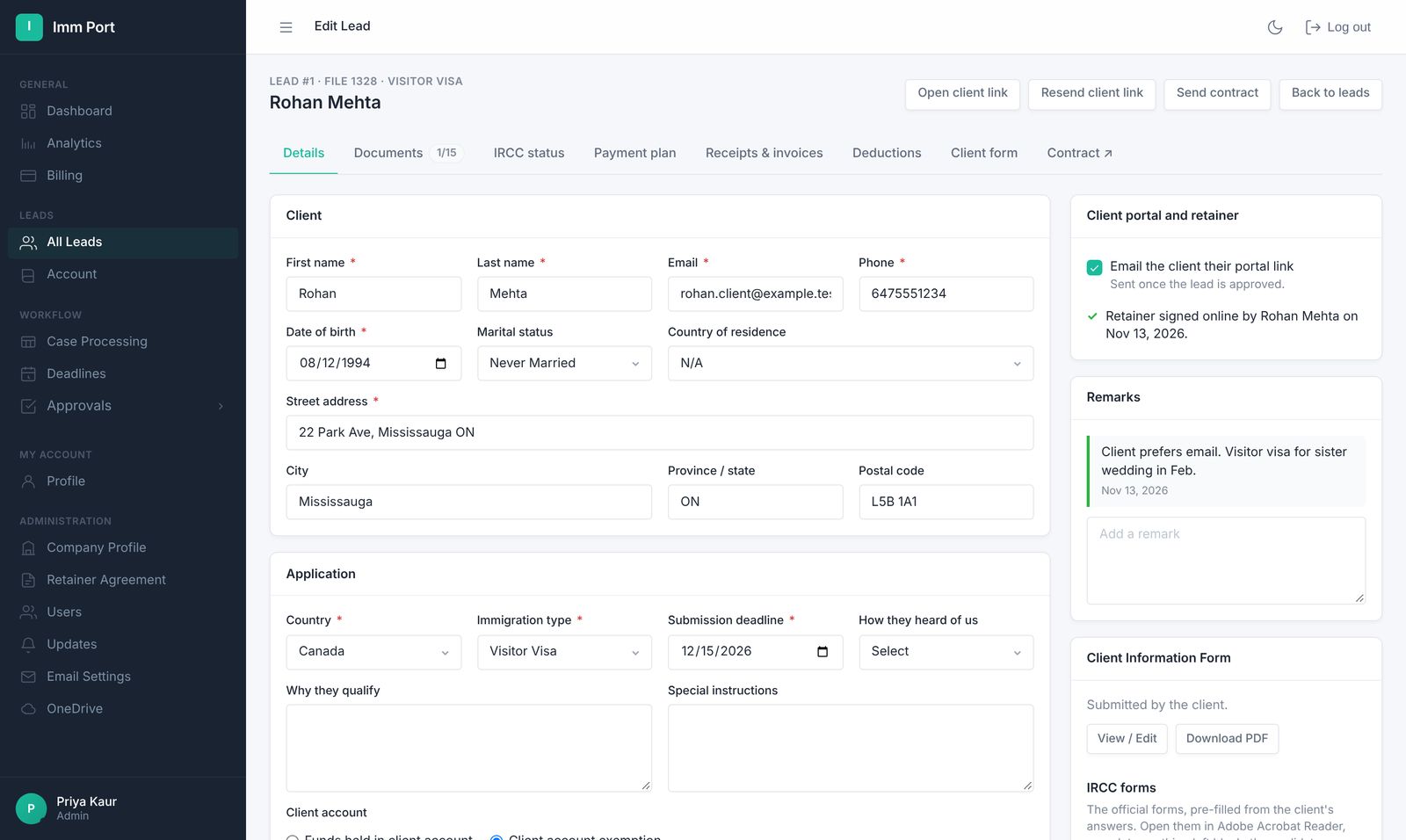
Info form in, draft forms out.
- Client fills in the info form
Questions are built for their visa type, and they sign a declaration at the end.
- Forms are prefilled
ImmPort copies their answers into the supported IRCC forms.
- You review and submit
Drafts are saved to their folder. Nothing is sent to IRCC by ImmPort.
15 IRCC forms supported today.
Covering visitor visas, study and work permits, permanent residence, spousal sponsorship, family information and use of a representative.
- IMM 5257, IMM 5645, IMM 5476
- IMM 5710, IMM 5709, IMM 1294
- IMM 1295, IMM 5708, IMM 5483
- PR: IMM 0008 (with dependants), IMM 5669, IMM 5406, IMM 5562
- Sponsorship: IMM 1344, IMM 5532
- Plus the client's info form as PDF and Word
Common questions
Does ImmPort submit applications to IRCC?
No. ImmPort prefills forms and saves them as drafts. Your team reviews and finalises every form and submits it yourself.
Which forms are supported?
IMM 5257, IMM 5645, IMM 5476, IMM 5710, IMM 5709, IMM 1294, IMM 1295, IMM 5708, IMM 5483, IMM 0008, IMM 5406, IMM 5562, IMM 5669, IMM 5532 and IMM 1344. Questions the client answers in their own words, such as how a couple met on IMM 5532, are left for your team and the client to complete.
Everything else your firm runs on.
One link for the retainer, info form, invoices, receipts, documents and status.
Learn more →Retainer agreementsRetainers signed onlineYour wording, filled in automatically, signed by the client and saved to their folder.
Learn more →Invoices & receiptsInvoices with the right taxGST, HST, QST or PST by province, sent on their dates, receipts numbered to match.
Learn more →Run your next file in ImmPort.
Start with a 14-day free trial. No card needed. We approve new firms within one business day.
Screenshots show example data