Retainers signed online, without the print-scan-email loop.
Write your firm's retainer once. ImmPort fills in each client's details, fees and payment plan, the client signs in their portal, and the signed PDF is saved to their folder.
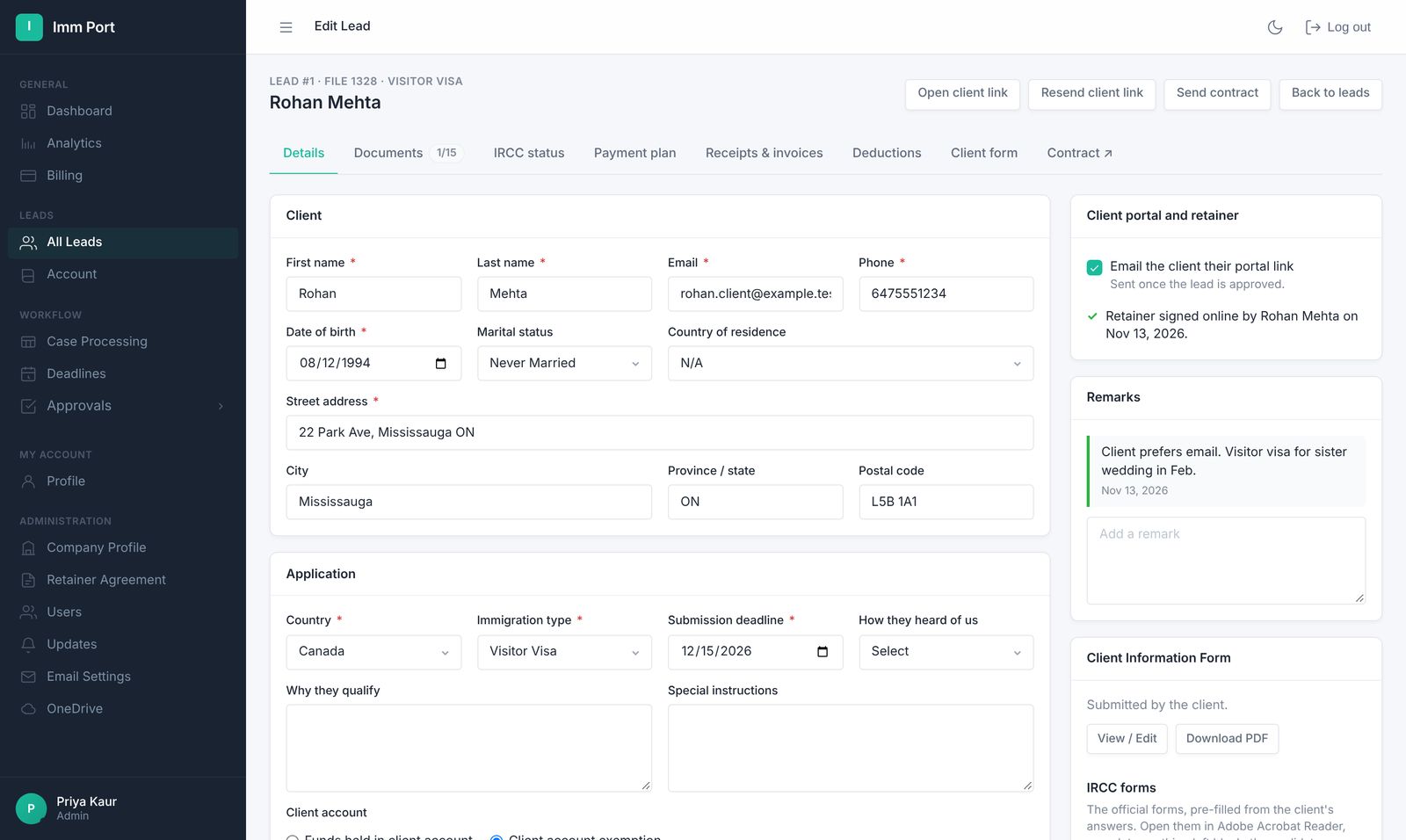
From template to signed PDF in three steps.
- Edit your template
Use your own agreement wording. Client and fee details are filled in for you.
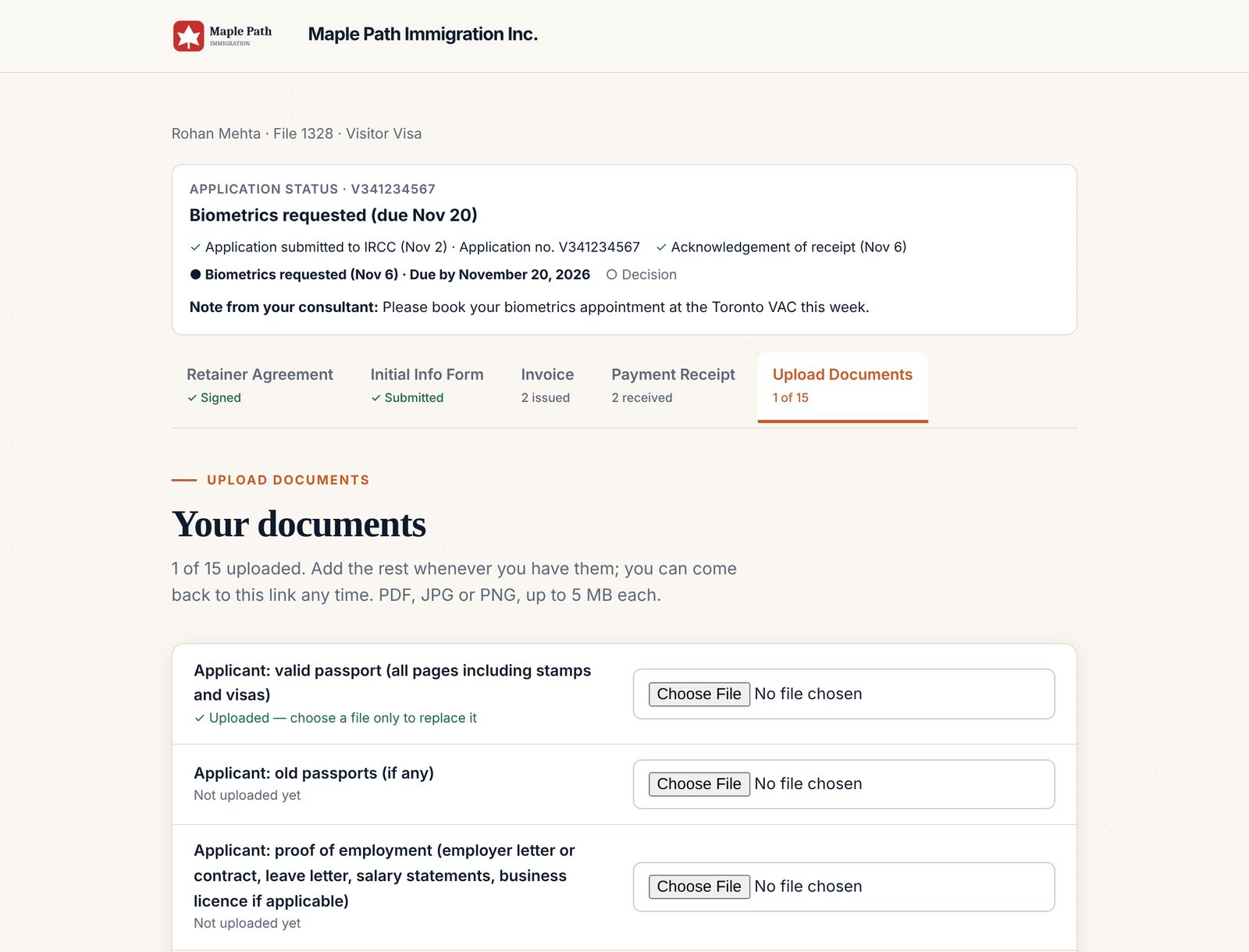
- The client signs
They read it in their portal, type their name and draw their signature.
- It's filed
The signed PDF is attached to the lead and saved to the client's OneDrive folder.
Your agreement, not a generic one.
Admins edit the firm's retainer template. Every new file uses it.
- Client name, address, file number and fees fill in automatically
- The payment plan in the retainer matches the invoices
- Download the signed agreement as a PDF any time
See who has signed, at a glance.
Each lead shows whether the retainer is signed, when, and by whom.
- Signed in the portal or on paper
- Signed on paper? Tick retainer received to record it
- The lead shows when it was signed and by whom
Common questions
Can I use my own retainer agreement?
Yes. Admins edit the firm's template, and every new file uses it with the client's details filled in.
What if the client signs on paper?
Tick “retainer received” on the lead. ImmPort records who received it and when.
Is the signed copy stored?
Yes. The signed PDF is attached to the lead and saved to the client's folder in your OneDrive.
Everything else your firm runs on.
One link for the retainer, info form, invoices, receipts, documents and status.
Learn more →Invoices & receiptsInvoices with the right taxGST, HST, QST or PST by province, sent on their dates, receipts numbered to match.
Learn more →IRCC formsIRCC forms, prefilledThe client's answers fill 15 IRCC forms, saved as drafts for you to review.
Learn more →Run your next file in ImmPort.
Start with a 14-day free trial. No card needed. We approve new firms within one business day.
Screenshots show example data